How to color grayscale with colored pencils
A grayscale coloring page already contains light, middle and dark values. You can add color over those values while keeping the printed shadows visible. Start gently and build up one small area at a time.
See the values before adding color
In the unchanged Peony Garden Fairy preview, compare the bright open petals, the mid-gray folds and the darker spaces between overlapping leaves. Keep those differences visible as you build color.
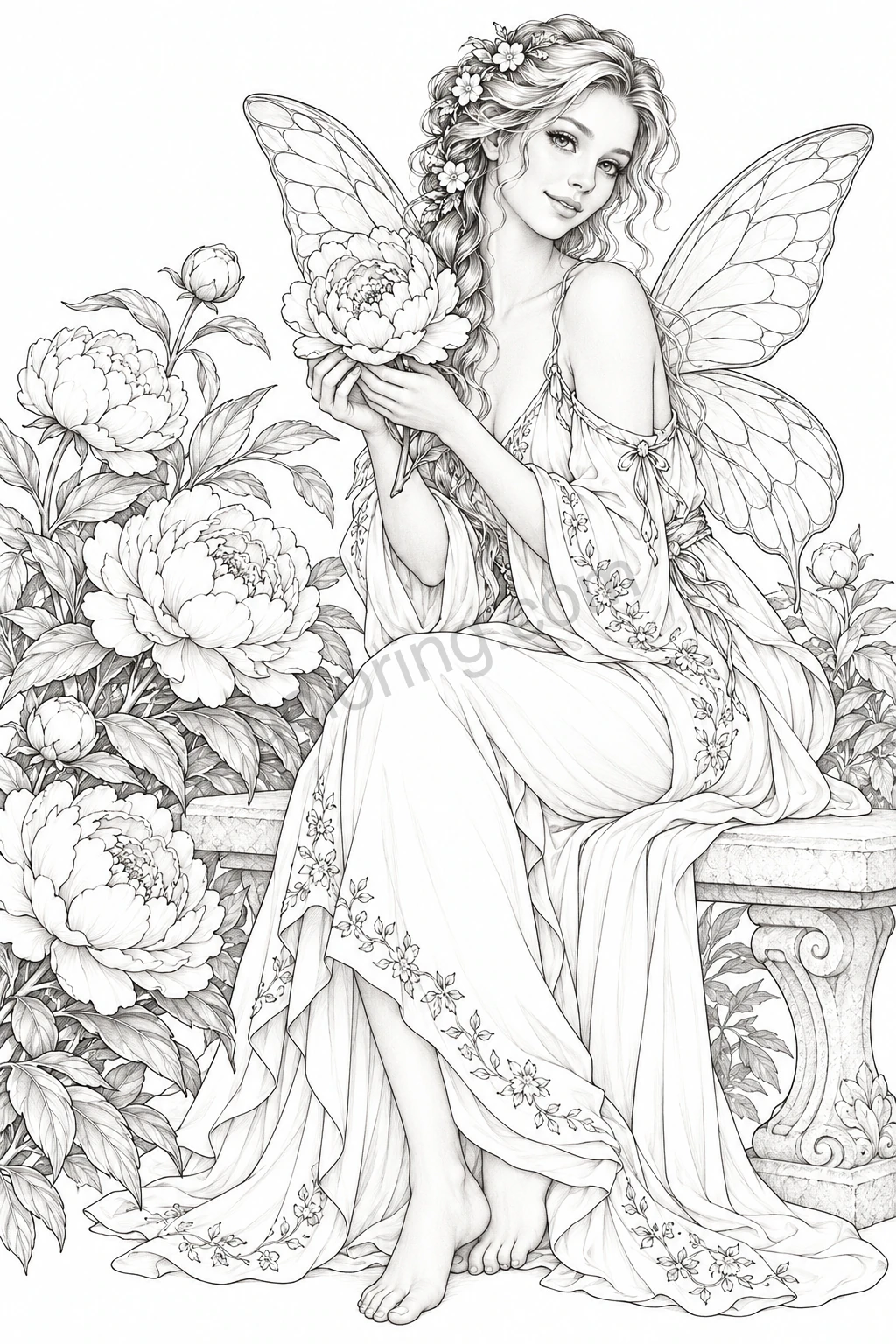
Try pale rose for petals, sage for leaves and light lilac for wings. Make the first pencil layer gentle, compare it with the untouched highlights, then deepen one small shadow before moving on.
Choose a shaded original
Look for a page described as grayscale, then open its Original PDF for printing. An Original-only label describes the available files; it does not by itself mean that the drawing contains gray shading. Each design page explains its edition.
Choose paper that your printer supports and that suits your pencils. Print one trial sheet and test a light pencil layer in a spare margin before working on the illustration.
Find three values before choosing colors
Look for an almost-white area, a middle-gray area and a dark shadow. These give you a simple map. Keep the lightest area pale, add a little more color to the middle value and let the printed shadow remain the darkest part.
Use a light touch for the first layer. A thick, opaque layer can cover the shading that makes this style useful. Add depth gradually instead of trying to reach your final color immediately.
A color plan for Peony Garden Fairy
Use the unchanged preview and separate value diagram above to locate the broad peony petals, the layered flower centers, the wings and the softly shaded gown. This is a suggested plan for your own coloring session.
Try pale rose on the open petals and a deeper berry color near overlapping petal bases. Use sage green for leaves, keeping the brightest leaf areas light. For the wings, a pale lilac layer can leave the printed highlights visible. Repeat a small touch of rose on the gown to connect the figure with the flowers.
Work from broad areas to small details
Complete one flower or one section of clothing before moving on. Turn the paper to reach fine edges comfortably, and sharpen your pencil when a shape becomes narrow.
Pause before filling every white area. An uncolored highlight can help a petal or fold look bright. If a section becomes darker than you intended, use a lighter touch in the surrounding areas rather than pressing harder everywhere.
Choose the next page by subject
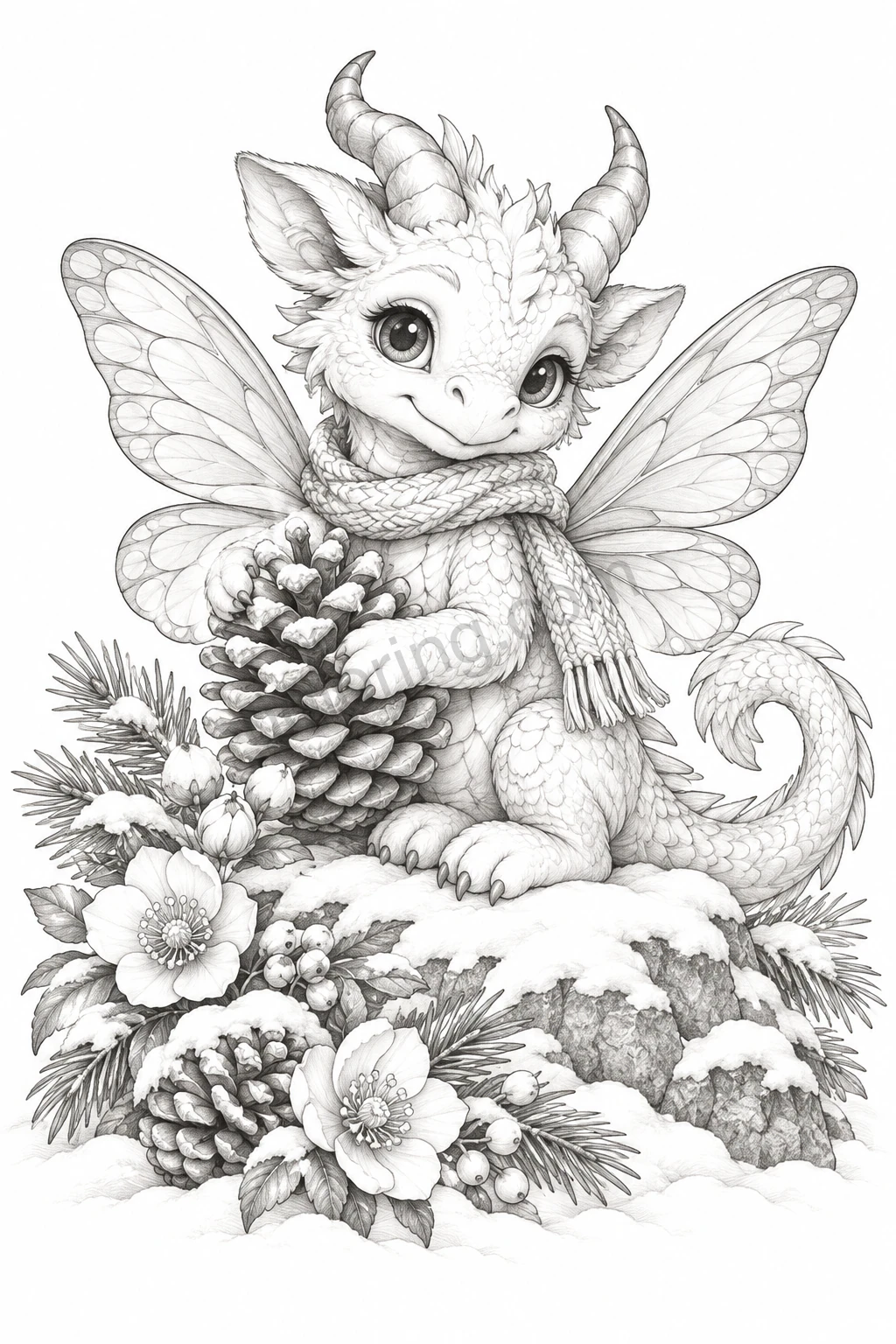
Flower fairies offer repeated petals and leaves; portraits add hair and fabric; dragons introduce scales and broad wings. Choose a subject you enjoy and a detail level that feels manageable.
These shaded editions provide Original PNG and PDF files for coloring on paper or in a compatible image app. Qoloring online coloring is available only on designs that explicitly offer it.
Designs to try